DotSpriteStudio
A downloadable tool for Windows
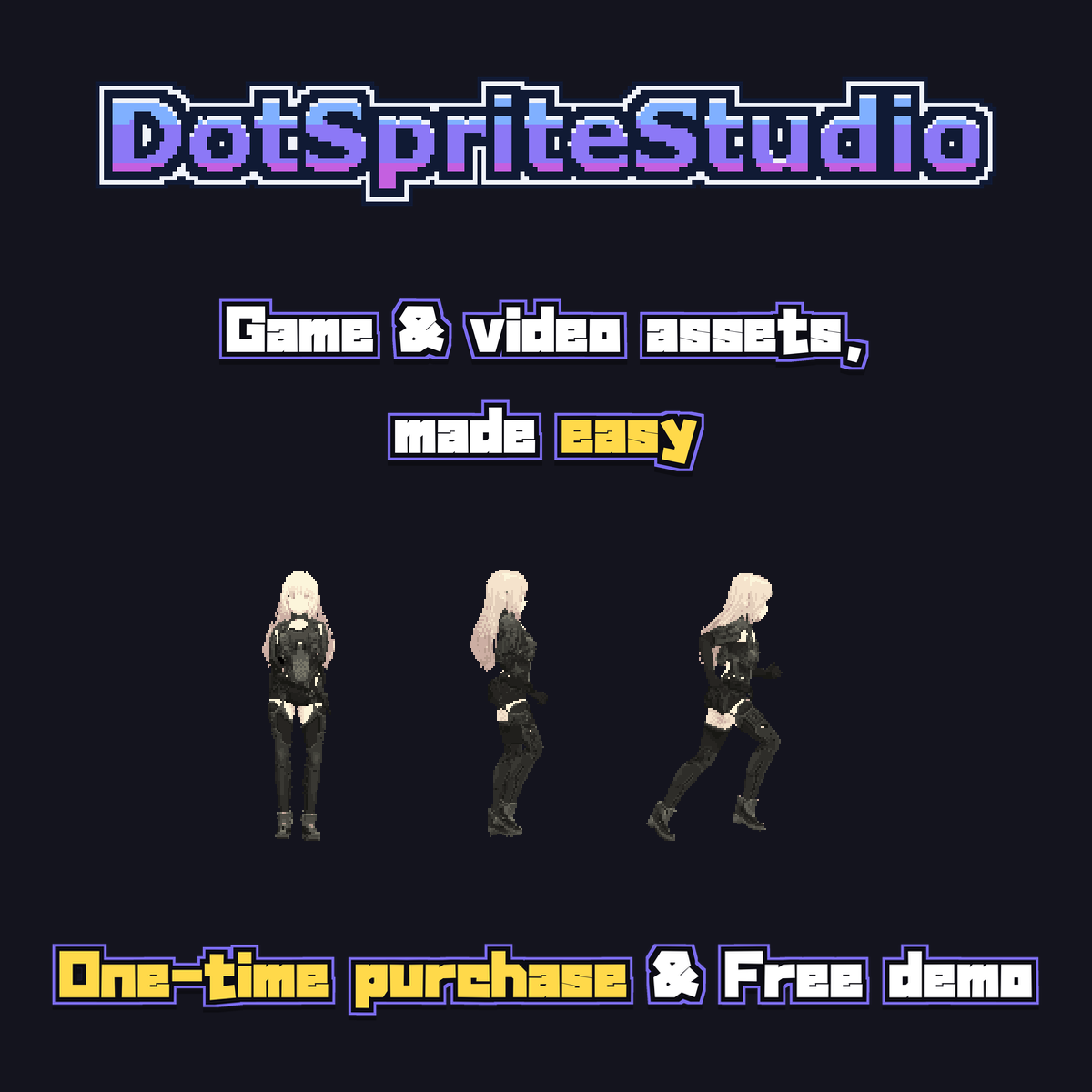
Feed it a video, get a sprite sheet.
Hand-dotting a walk cycle is a weekend. A run, an idle, an attack — there goes the month. DotSpriteStudio exists so you can shoot or generate your motion instead: load a clip, and it handles the tedious part — cutting out the background, snapping everything to a true pixel grid, trimming the palette, and exporting sheets your engine actually understands.
Made for the AI era
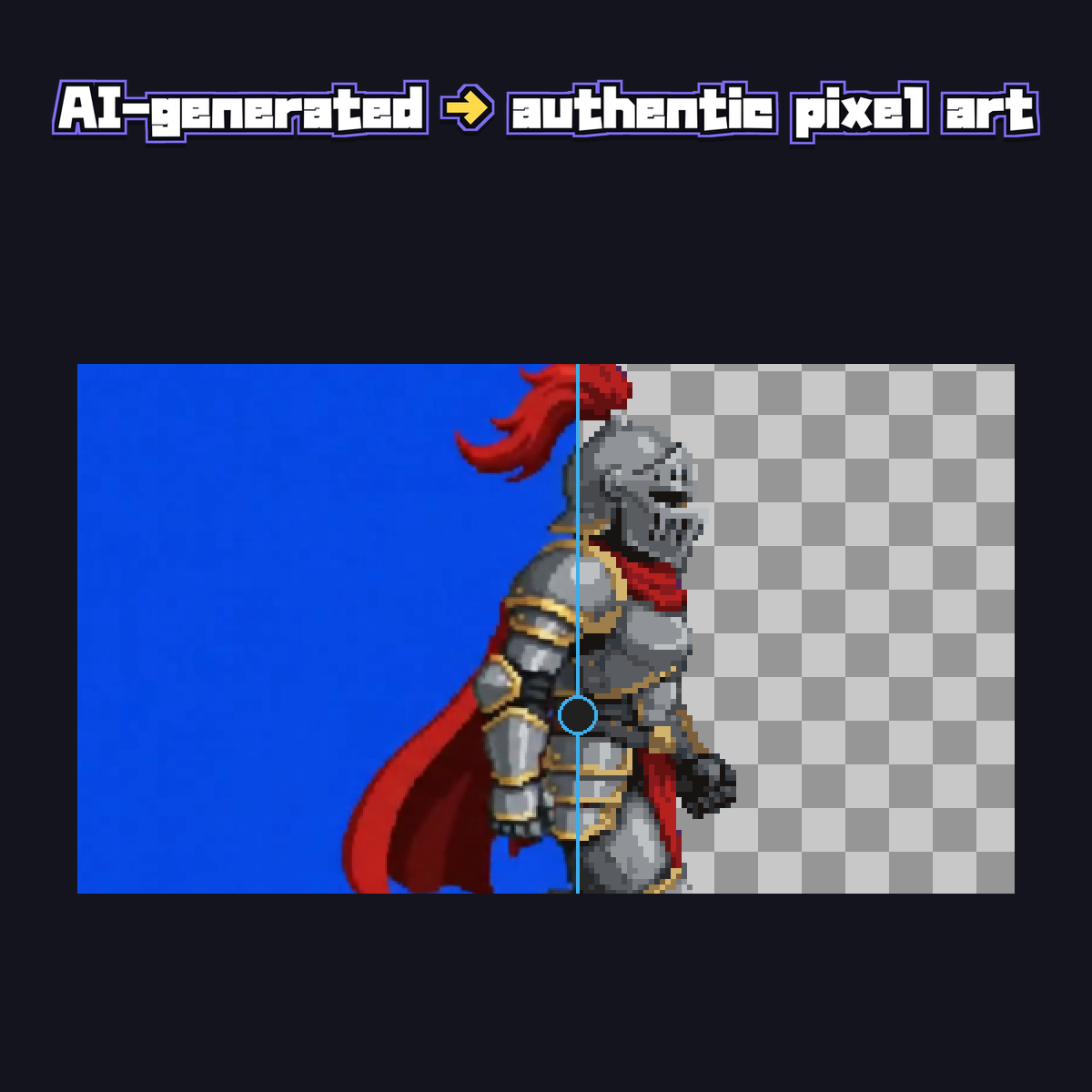
Image generators make lovely "pixel-art-style" pictures that aren't quite pixel art: the grid drifts, dot sizes wobble, and thousands of stray colors hide in there. DotSpriteStudio re-snaps the grid to honest integer cells, consolidates the palette, and sweeps up the stray dots. Generate with whatever you like — finish it here. (Real pixel art is auto-detected and imported 1:1, untouched.)
How it works
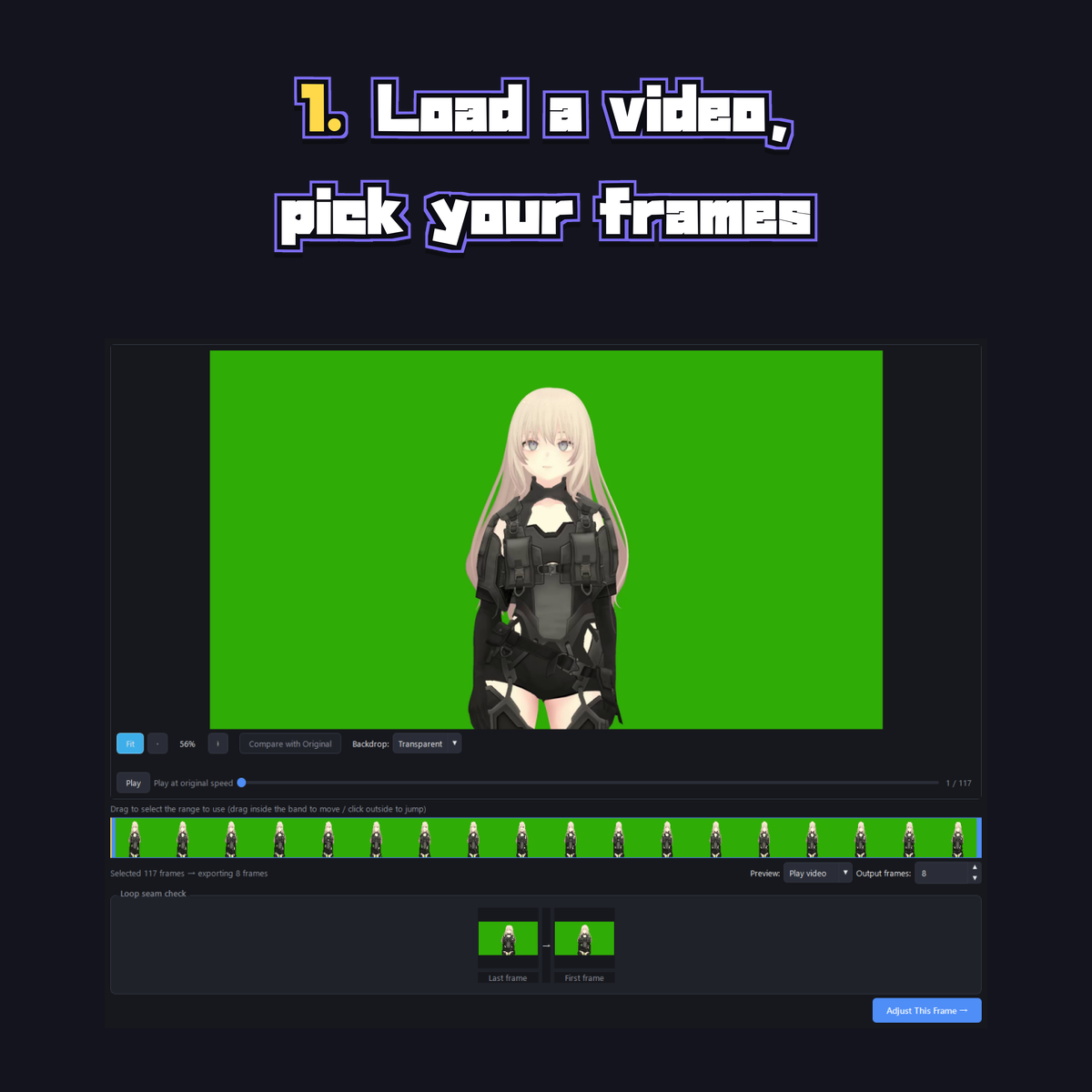
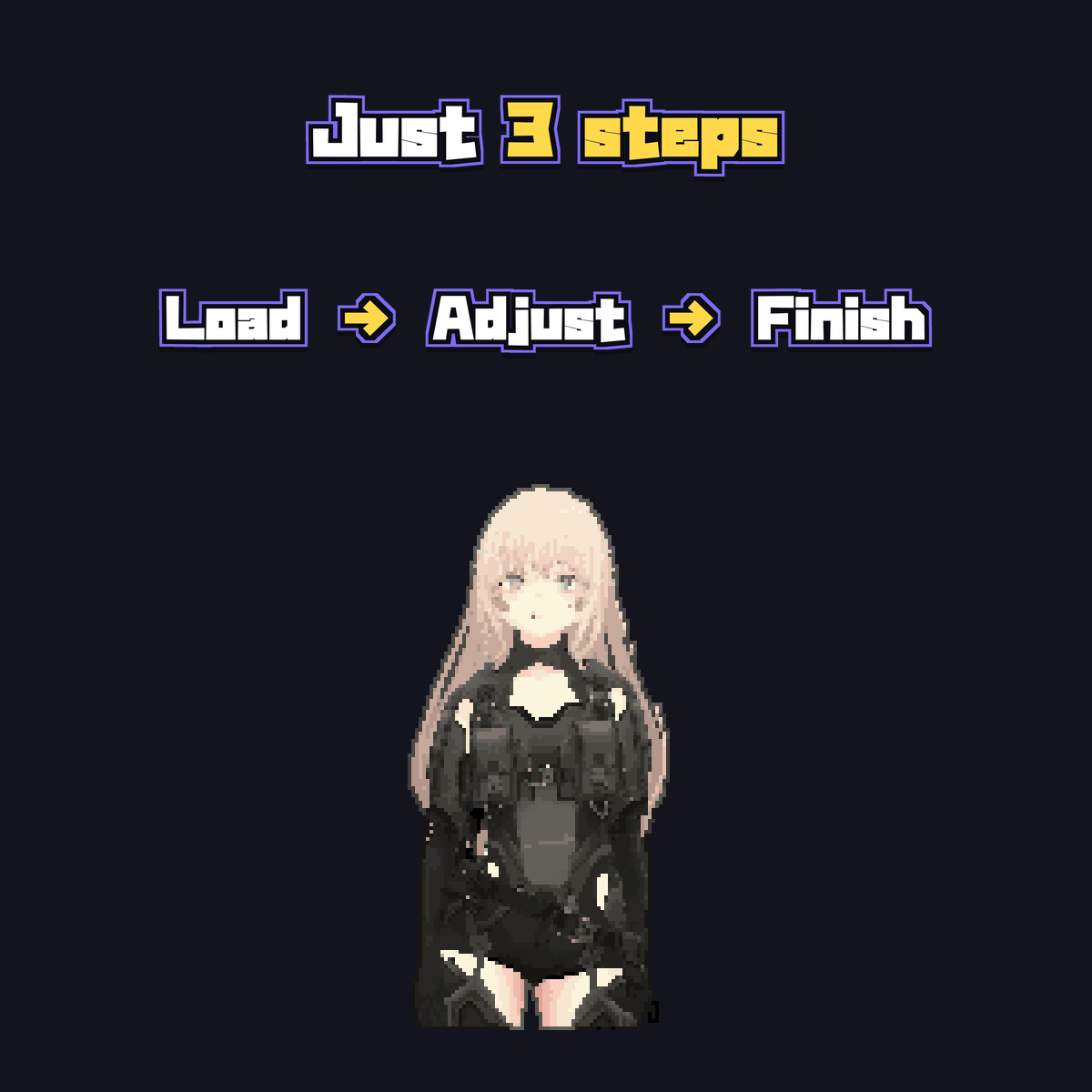
- Load your material — video, image, GIF, or an image sequence
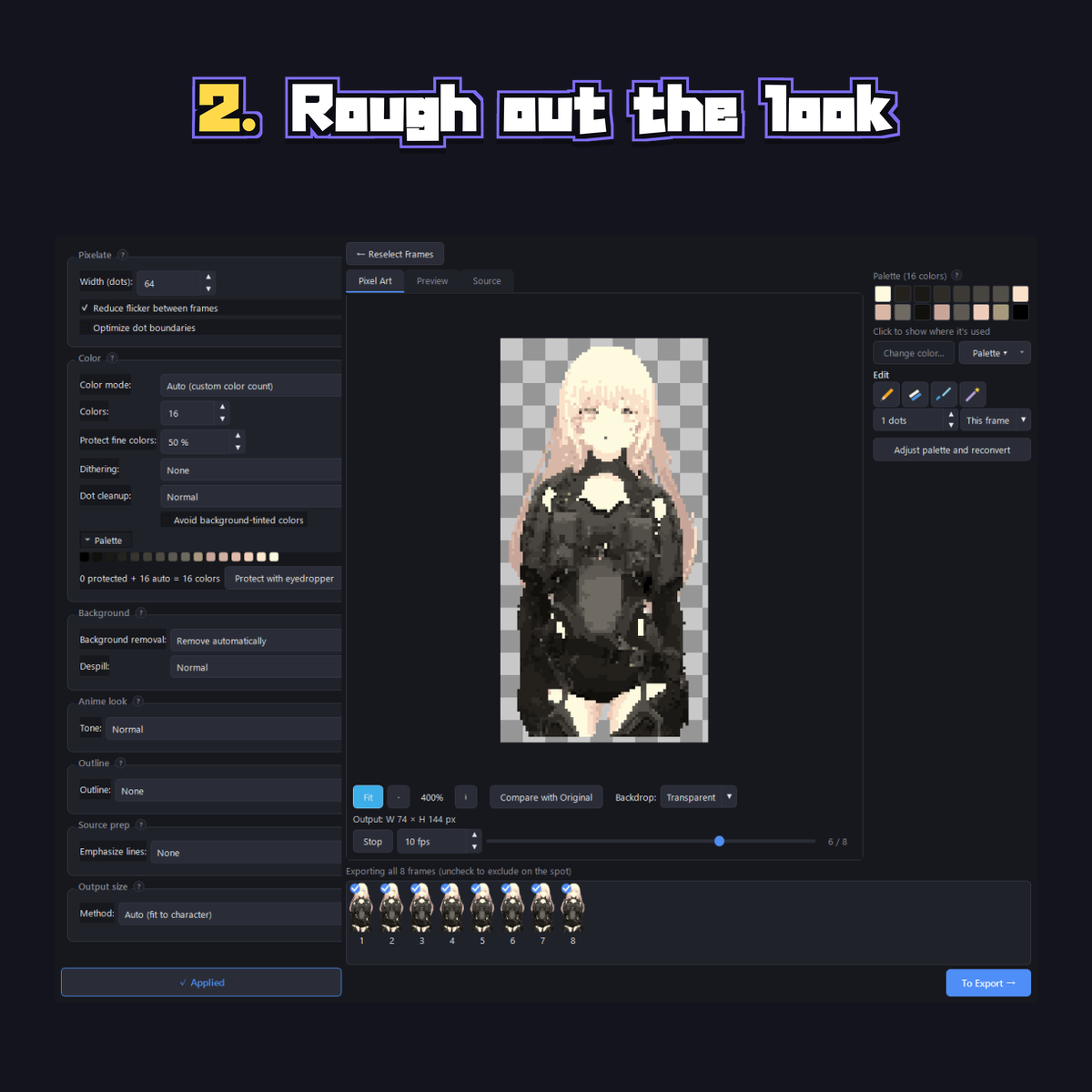
- Pick the dot width and colors (the defaults are a fine starting point)
- Fix what bugs you, export, done
What's in the box
- Automatic background removal — green screens, solid colors, transparent PNGs, with despill to clean up color fringing on the edges.
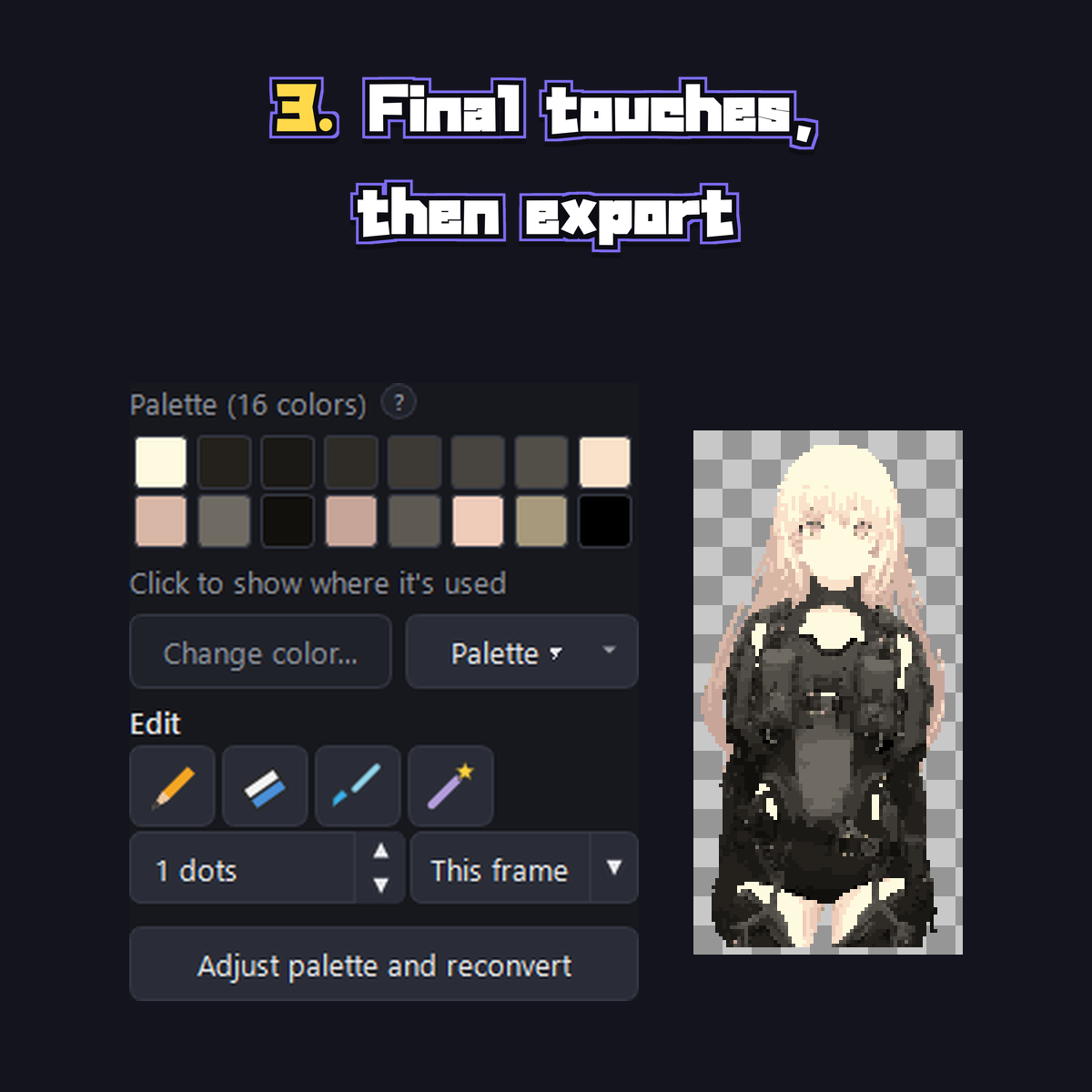
- Color control that goes deep when you want it — auto color reduction, a Game Boy-style 4-color mode, or your own palette. "Protected colors" pins the small-but-important tones (eyes, highlights, blush) so quantization can't eat them.
- Dithering in three strengths, for skies, glows, and soft gradients that want that retro checker look. It only touches smooth gradations — flat anime fills stay clean.
- Outlines after the fact — grow one outward or recolor the edge in place, adjustable thickness and color.
- Pixel-perfect editing built in — pen, eraser, eyedropper, restore brush, palette merging. No round-trips to another editor for small fixes.
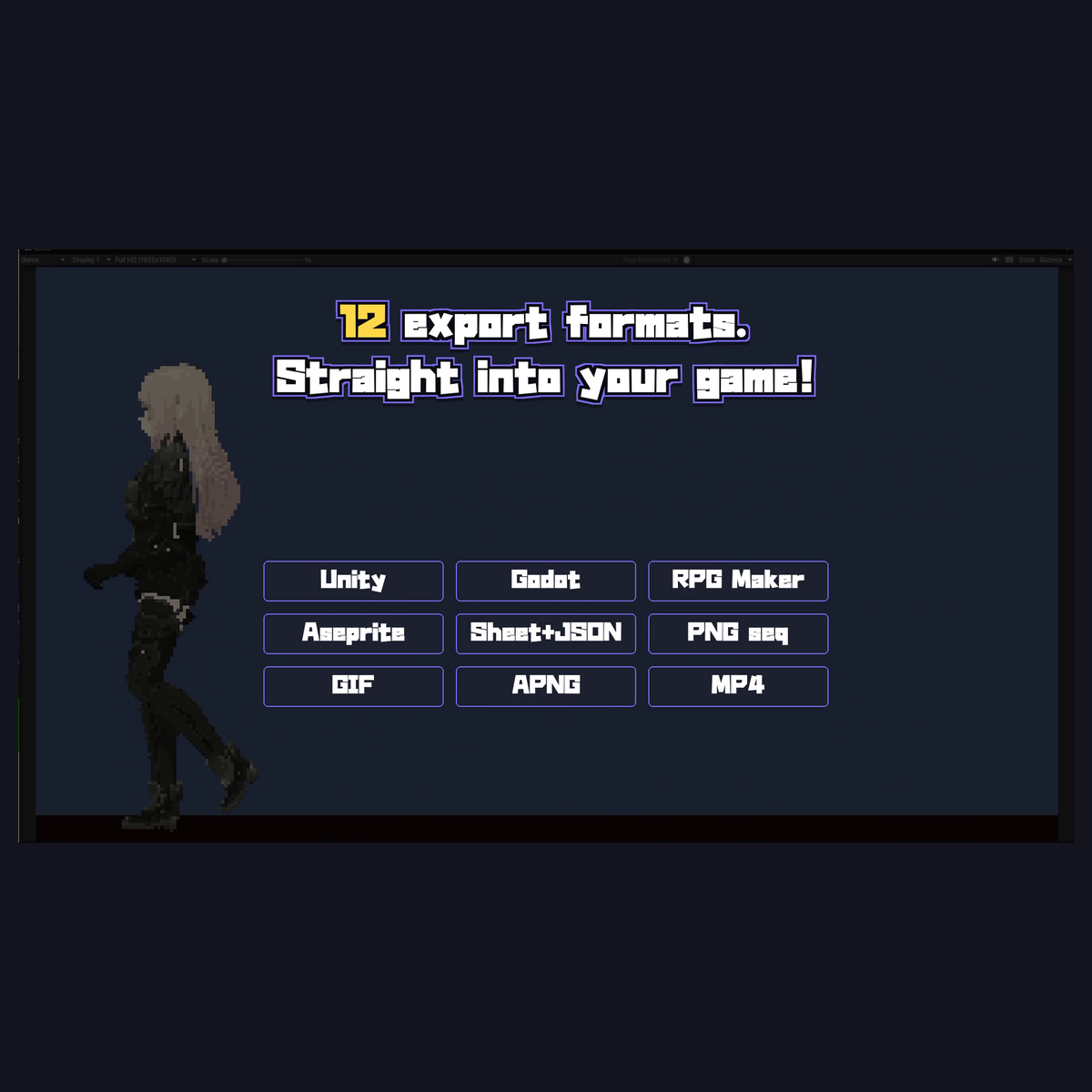
- 12 export formats — Godot 4, Unity, RPG Maker walk sheets, Aseprite JSON, generic grid sheets, PNG sequence, GIF, APNG, MP4 (green / blue / magenta backing), still PNG. Integer scaling ×1–×8, several formats in one go.
- Deterministic — same settings, same result, every time. Add motions later and they'll match the sprites you shipped last month.
- 100% offline — your art never leaves your PC. No account, no subscription, no GPU. One purchase, that's it.
- UI in English and Japanese, manual included in both.
Try before you buy
The free demo has every feature — exports are watermarked (still-image PNG export is watermark-free). Run your own material through it first, and buy when you like what comes out. The full manual is bundled with the demo, so you can check any detail before spending a cent.
Coming soon (free updates)
- Recipes — save a full conversion setup, reapply it with one click
- Batch convert — run a folder of clips through the same recipe
Both are finished and in final testing.
Requirements
Windows 10/11 (64-bit). Unzip and run — no install, no dependencies.
License terms (summary)
The sprites you make are yours: commercial use OK, no credit required. Watermarked demo output is for evaluation. If your source material involves someone else's rights, follow their terms — converting doesn't change ownership. Don't redistribute or resell the software itself. Full terms in the bundled README.
Support
DM @o_0u0_b on X (Twitter), or leave a comment below. For bug reports, attaching the newest log file from %LOCALAPPDATA%\DotSpriteStudio\logs\ helps a lot.
Trailer credits — Music: MaouDamashii / SFX: OtoLogic
Purchase
In order to download this tool you must purchase it at or above the minimum price of $9.89 USD. You will get access to the following files:
Download demo
Leave a comment
Log in with itch.io to leave a comment.